Find Articles Similar to Your Draft in Under a Minute
You've got a draft — a newsletter issue, a blog post, a brief that's half-written. Before it goes out, you want to see the articles most like it. Not everything that mentions your topic, and not the top ten results for a single keyword: the pieces that actually cover the same ground your draft does, so you can borrow an angle, cite the good ones, and make sure you're not about to publish something that already exists in almost the same shape.
That's a different request than "search my topic," and it's one a search box handles badly. This guide shows why finding articles similar to your draft is hard to do by hand — and how BeingSaid turns it into a single paste-and-run.
Why "similar to my draft" is hard to search for
A keyword search matches the words you type, not the meaning of your draft. If you search "reading fiction," the engine looks for pages with those words — it has no idea your piece is really about how novels build the kind of empathy that makes someone a better manager. To get at that, you'd have to guess every phrase other writers might have used — "fiction and empathy," "novels and leadership," "soft skills for managers," "perspective-taking at work" — and run each one separately. Modern search does understand meaning to a degree: semantic search matches concepts rather than exact words, which is why "database slowdowns" can surface a page about "performance optimization." But you still have to feed it one query at a time, and you still have to know which queries to feed it.
The harder part is that any real draft is several ideas at once. The fiction-and-management piece touches reading habits, empathy, leadership, and workplace soft skills — four distinct searches, each with its own pile of results. The articles that matter most to you are the ones that show up across several of those searches, because those are the pieces sitting at the same intersection your draft does. That crossover is the strongest "this covers your ground" signal there is, and it's exactly what human attention is worst at tracking. By the fortieth open tab, you won't notice that the same essay just surfaced for the third time.
None of this means you should skip the research. Reading the pieces most like yours is how you find the gap you can actually fill and how you keep your post from sounding like everyone else's. The problem isn't the value of the step — it's that doing it thoroughly by hand costs an hour of tab-wrangling before you've written a word.
The one-minute version
BeingSaid does the guessing and the cross-referencing for you. You hand it the draft; it hands you back the articles most like it, ranked.
Paste your draft. A finished post, a rough outline, a messy notes file — anything up to about 32,000 characters, pasted straight in or uploaded as a .txt or .md file. You don't reduce it to keywords first. The writing itself is the input, which is the whole point: you're searching by what your draft means, not by terms you had to invent.
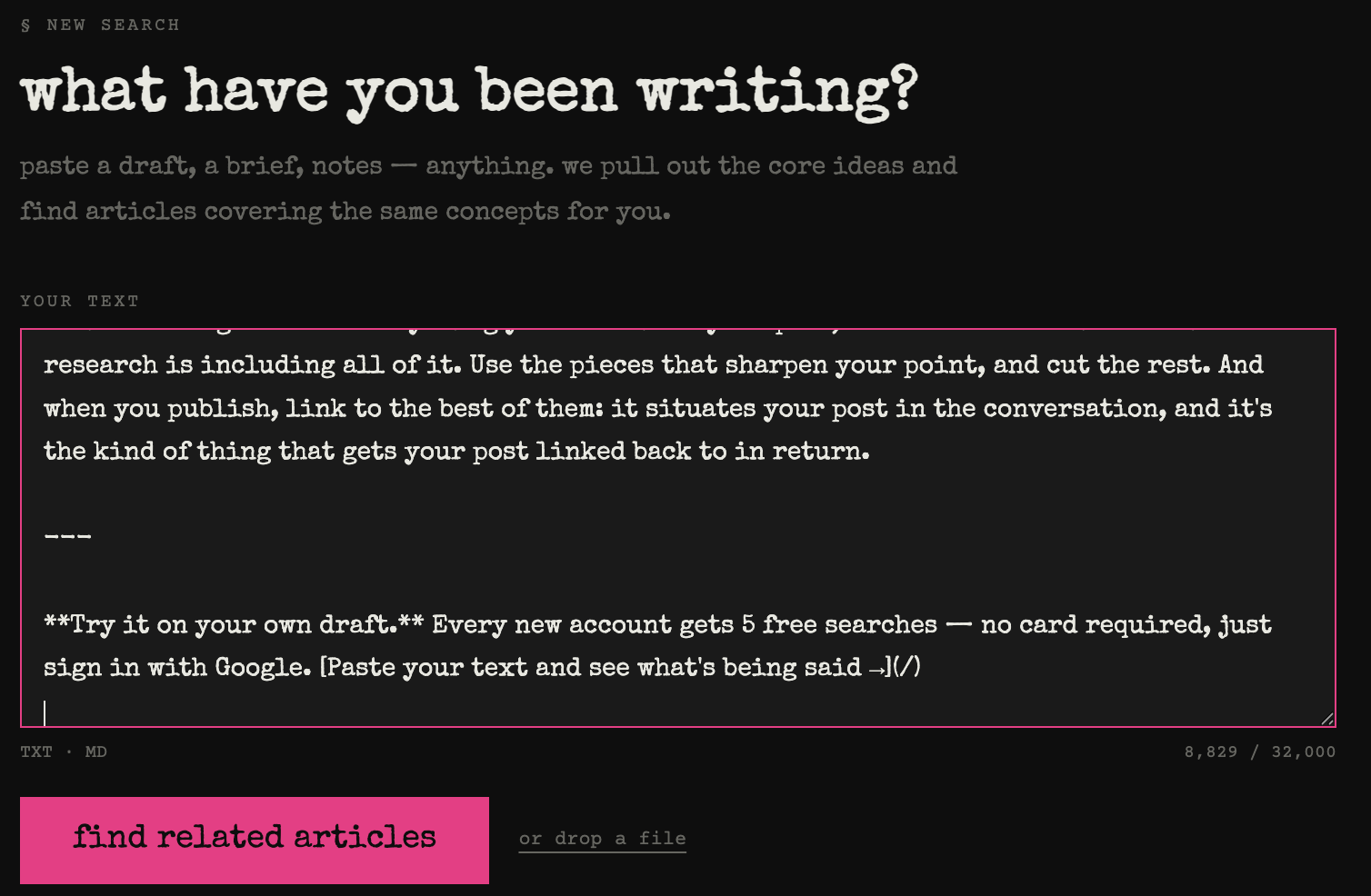
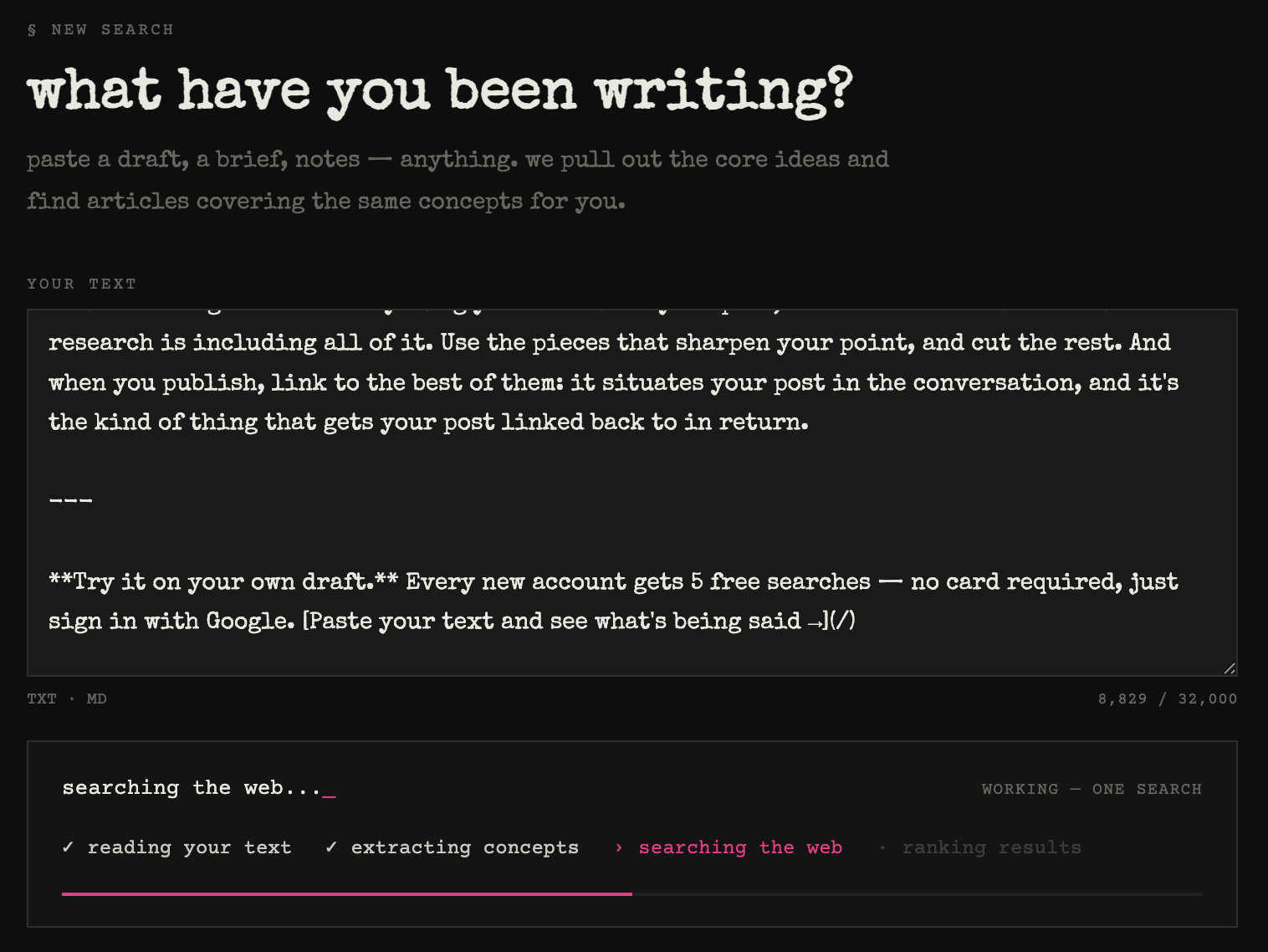
It reads the draft and pulls out the ideas. Instead of you brainstorming search terms, BeingSaid identifies the 3–7 core ideas your piece actually covers — including the ones you're too close to your own draft to see as separate topics. This is the step that makes the results similar to your draft rather than similar to a keyword: it's matching your writing's ideas, not its literal phrases.
Every idea gets searched, and the results are cross-referenced. Each concept is searched independently, then every result from every search is compared and the articles are ranked by how many of your ideas surfaced them. This is the crossover signal from the by-hand version, done exhaustively — the piece that showed up for four of your five ideas rises to the top, where you'd never reliably have spotted it across forty tabs. The whole run takes under a minute.
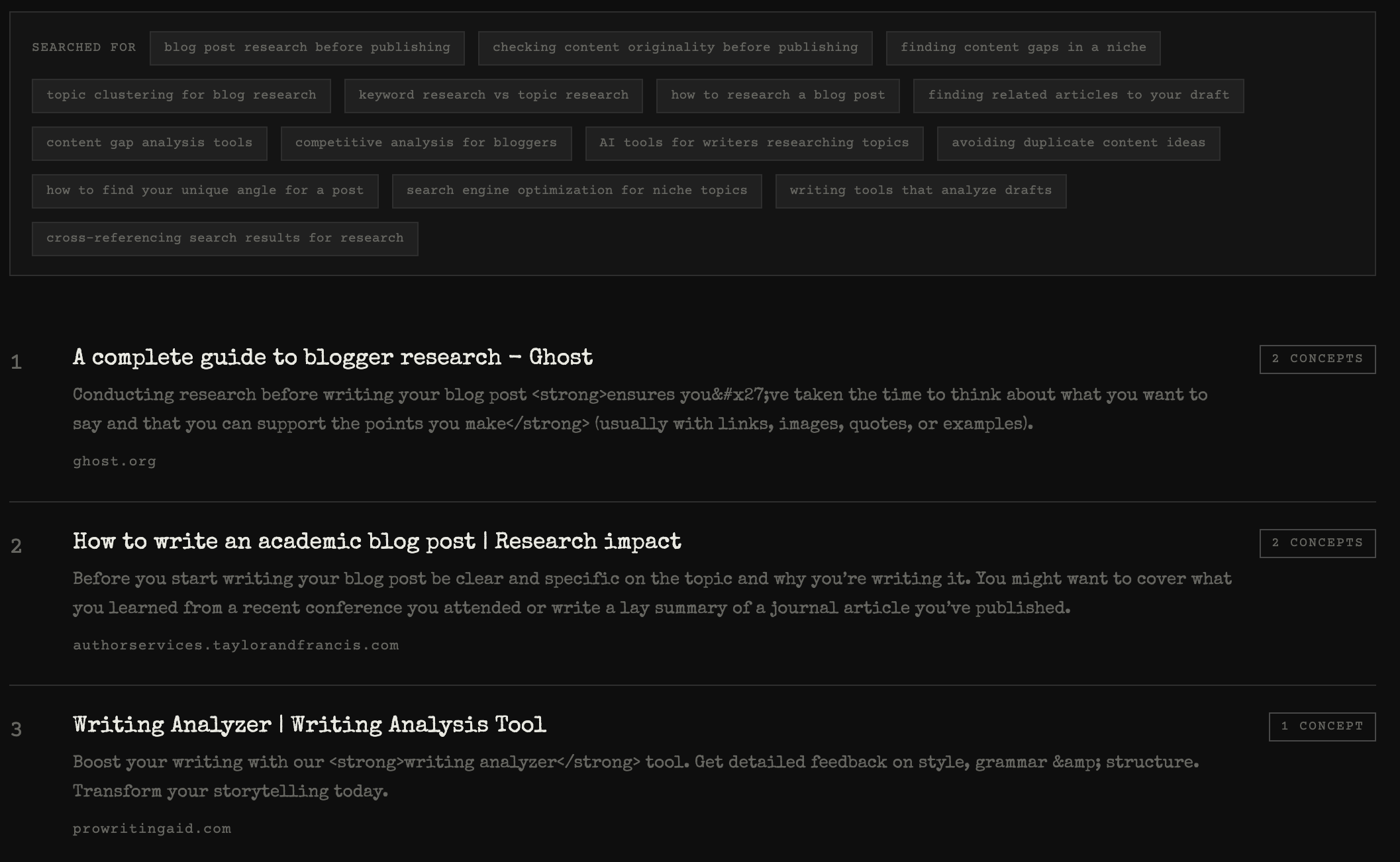
You get the articles most like your draft, ranked. The top results are the pieces sitting at the same intersection of ideas as your draft, each showing which and how many of your concepts surfaced it. The top 5 come first, with a "see more" behind them if you want the full set, and the extracted ideas are listed too so you can sanity-check what it searched for.
What to do with the matches
The tool hands you the shortlist; the reading is still yours. Skim the top matches and watch for two things: what they all repeat, and what none of them say. The repetition is your competition — the take that's already well-covered. The silence is your opening. Reading across the closest matches to spot that gap is the heart of a content gap analysis, and it's the fastest way to find the angle that makes your piece worth publishing even in a crowded topic.
Two other things the ranked list tells you at a glance. If one article matches almost every idea in your draft, read it closely — that's the piece most likely to have already said what you're about to say, and you'll want to know whether you're adding to it or repeating it. And if nothing matches more than one of your ideas, that's its own signal: your draft may be spanning topics nobody writes about together. Sometimes that's an unclaimed intersection that's yours to own; sometimes it's a warning that readers won't know how to find the post. Either way, better to learn it before you publish.
When you do publish, link to the best of the matches. It situates your piece in the conversation, and it's the kind of gesture that gets your own post linked back to in return.
For the bigger picture on scanning a topic before you write — the manual method step by step, and where this fits — see the pillar guide, How to Find Out What's Already Been Written About Your Topic.
Try it on your own draft. Every new account gets 5 free searches — no card required, just sign in with Google. Paste your text and see what's most like it →